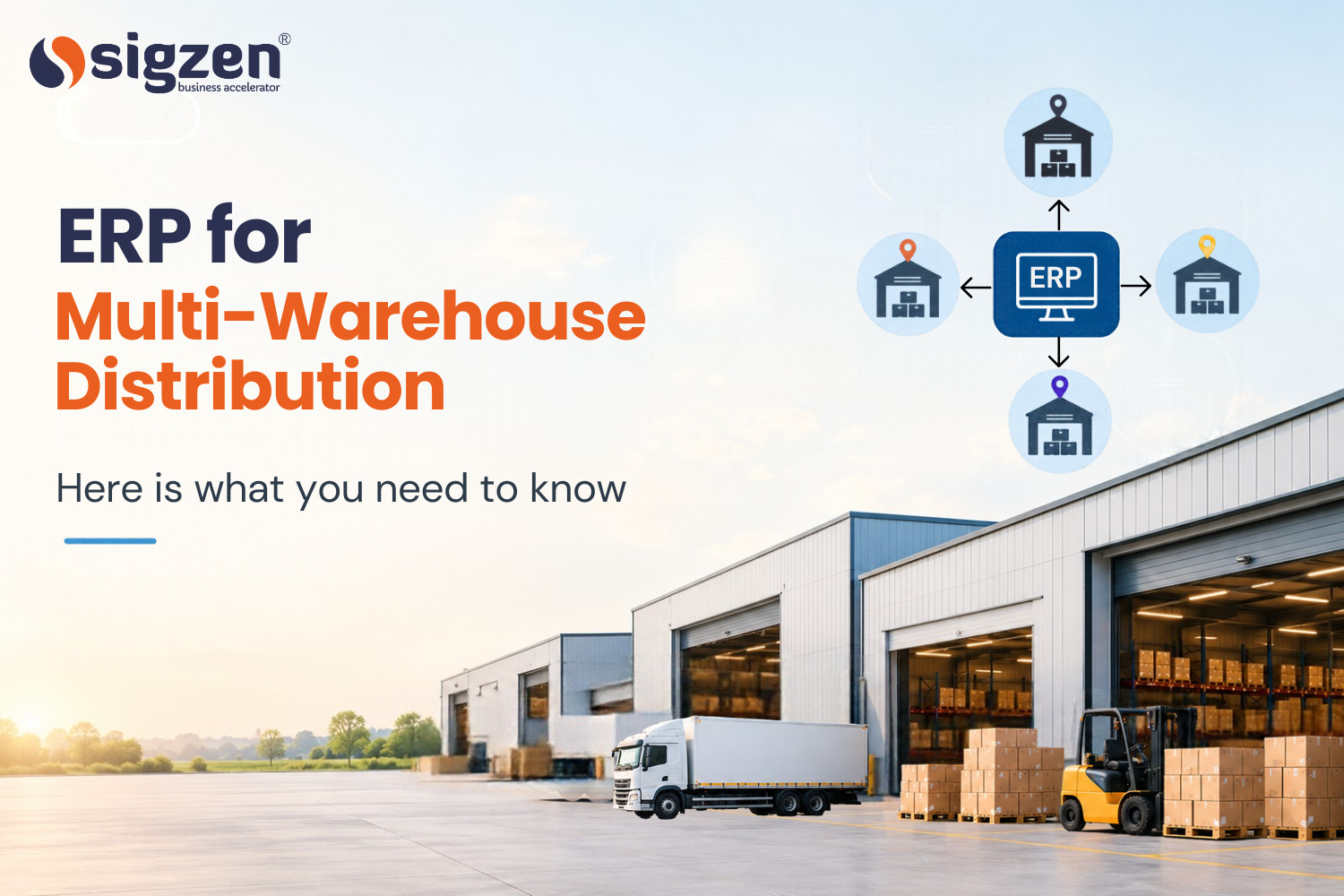
An ERP for multi-warehouse distribution keeps stock, orders, transfers and purchasing for every warehouse in one system. It shows which location holds each product, so orders ship from the right warehouse, surplus stock moves to where it sells, and purchases match what is already on hand. ERPNext does this with warehouse-wise stock records, stock transfers and reports built on the same data as sales and purchasing.
Managing inventory across multiple warehouses becomes difficult when stock, orders, and transfers are handled separately. ERP for Multi-Warehouse Distribution brings this information together in one system, helping businesses track stock at each location, manage transfers, and fulfill orders more efficiently. It also gives distributors a clearer view of inventory, making it easier to decide when to move or purchase stock.
What Is Multi-Warehouse Distribution?
Multi-warehouse distribution is when a business stores and supplies products from multiple warehouse locations. Each warehouse may serve a different region and have different stock requirements based on customer demand.
Multiple Warehouse Locations
Businesses may operate warehouses in different cities or regions to serve nearby customers and manage product distribution more efficiently.
Warehouse-Wise Stock Management
Each location can have different stock levels depending on local demand. Businesses need to know which products are available and how much stock each warehouse holds.
Stock Transfers Between Warehouses
Products may need to be moved from one warehouse to another when demand changes or a location runs low on stock. Tracking these movements helps keep inventory records accurate.
Order Fulfillment Across Locations
Businesses need to identify which warehouse can fulfill a customer order. Proper stock visibility helps reduce unnecessary transfers, prevent delays, and avoid excess inventory.
This means the business needs to keep track of what is available at each warehouse, where products need to be sent, and when stock needs to be moved between locations. Managing these activities properly helps the business avoid unnecessary stock buildups and delays in customer orders.
Common Challenges of Managing Multiple Warehouses
Managing stock across several locations can become difficult as a distribution business grows. Multi-location inventory management, warehouse stock tracking, stock transfers, and order fulfillment all need to be handled carefully. Without a clear view of each warehouse, businesses can face stock shortages, excess inventory, and delays in delivering orders.
Different Stock Levels at Each Location
Each warehouse may have a different amount of stock based on local demand. It can be difficult to know which location has enough products, and which one needs more stock.
Unplanned Stock Transfers
Products often need to be moved between warehouses to meet demand. If these warehouse stock transfers are not recorded properly, stock figures can quickly become inaccurate.
Delays in Order Fulfillment
An order may be delayed when the selected warehouse does not have enough stock. Finding the product at another location and arranging its movement can take extra time.
Overstock in One Warehouse and Shortage in Another
One warehouse may have more stock than it can sell, while another may run short of the same product. This makes warehouse inventory management more difficult and can increase storage costs.
Difficulty Tracking Fast-Moving Products
Some products may sell quickly in one location but slowly in another. Knowing which products are moving faster helps businesses decide where stock should be kept.
Managing these challenges becomes easier when businesses have a clear view of inventory across multiple warehouses. Accurate stock information helps teams decide where to store products, when to transfer them, and when to place new orders.
According to Extensa's 2024 3PL Benchmark Report, 87% of surveyed third-party logistics providers identified real-time inventory tracking and management as a key reason for adopting a warehouse management system (WMS). This highlights the importance of having accurate, up-to-date stock information when managing warehouse operations.
How ERP Helps Manage Multiple Warehouses
When a business has several warehouses, keeping track of stock and daily activities can take a lot of time. An ERP system brings warehouse information into one place, making it easier to check stock, manage orders, record transfers, and plan purchases.
Here are some of the main ways an ERP helps with multi-warehouse management:
Real-Time Stock Visibility Across Locations: Teams can check how much stock is available at each warehouse without going through separate records. This makes it easier to find products and avoid unnecessary purchases.
Easy Stock Transfers Between Warehouses: When one warehouse needs products from another, the transfer can be recorded in the system. This helps keep stock quantities updated at both locations.
Centralized Inventory Management: All warehouse stocks can be managed from one system instead of maintaining separate spreadsheets or records. Teams can get a clearer picture of overall inventory.
Better Order Allocation: Before processing an order, teams can check which warehouse has the required products. This can help them choose a suitable location and reduce delays in order fulfillment.
Smarter Purchase Planning: ERP data can show current stock levels and sales activity across warehouses. Businesses can use this information to decide what needs to be purchased and where it is needed. s, purchases
Warehouse-Wise Reports: Businesses can review stock, sale, and product movement for individual warehouses. These reports help managers understand which locations need attention and where inventory is moving faster.
With this information in one place, teams can easily check what is happening across their warehouses. It helps them keep stock records updated, handle transfers on time, and make better decisions about orders and purchases.
Key ERP Features for Multi-Warehouse Distribution
When a business manages stock across several warehouses, the ERP should make everyday inventory tasks easier to handle. The right features help teams keep track of stock, move products between locations, process orders, and understand what is happening in each warehouse.
Multi-Warehouse Stock Tracking:
- The system should show the available quantity of each product at different warehouse locations.
- This makes it easier to find stock before placing a new purchase order.
Warehouse-to-Warehouse Transfers:
- Teams can record when products are moved from one warehouse to another.
- This keeps the stock quantity updated at both the sending and receiving locations.
Stock Reorder Levels:
- Businesses can set minimum stock levels for products and warehouses.
- This helps teams know when it is time to order more products before stock runs out.
Sales and Purchase Management:
- Sales orders and purchase orders can be connected with warehouse stock.
- Teams can check available products while processing orders and plan purchases based on actual requirements.
Batch and Serial Number Tracking:
- For products that need individual or batch-level tracking, ERP can record where they were received, stored, and sold.
- This is useful when businesses need to trace specific products.
Warehouse-Wise Reports:
- Reports can show stock levels, sales, purchases, and product movement for each warehouse.
- Managers can use this information to understand which locations need more or less stock.
With these features, businesses can keep better track of their multi-warehouse inventory without maintaining separate records for every location. It also gives teams the information they need to handle stock and orders more confidently.
How ERP Improves Order Fulfillment Across Warehouses
When an order comes in, one of the first questions is: which warehouse should fulfill it? When stock is spread across different locations, answering this quickly can save a lot of time.
An ERP system helps by connecting sales orders with warehouse stock. Teams can check product availability across locations before confirming an order and choose the warehouse that can fulfill it most easily.
For example, if a customer places an order for 100 units and the nearest warehouse has only 40 units, the team can check out another warehouse and decide whether to split the order or transfer the remaining stock.
The process can be easier to manage in a few simple steps:
Check Stock → Choose Warehouse → Process Order → Pick & Pack → Ship
Because these activities are recorded in the same system, teams can also keep track of what has been ordered, which warehouse is handling it, and how much stock remains.
This can help reduce unnecessary stock transfers, avoid order delays, and make the order fulfillment process easier to manage across multiple warehouses.
Managing Stock Across Multiple Warehouses with ERPNext
When stock is stored in different warehouses, teams need to know what is available at each location and when products need to be moved. ERPNext helps bring this information together, making it easier to manage stock movements and daily warehouse activities.
You can see how the stock and warehouses module is set up for multi-location businesses.
Track Stock by Warehouse: Check product quantities at each warehouse from one system to identify available stock before placing new orders.
Record Stock Transfers: Record movements between warehouses to keep inventory records updated at both locations.
Balance Stock Between Locations: Identify warehouses with excess or low stock and move products where they are needed most.
Use Sales Data for Stock Planning: Review warehouse-wise sales to understand product demand and plan inventory accordingly.
Plan Purchases More Carefully: Check stock across all warehouses before purchasing to avoid unnecessary orders.
With these details available in one system, businesses can keep better control over multi-warehouse inventory. ERPNext helps teams know where stock is, manage transfers, and plan inventory requirements more effectively.
Things to Consider Before Choosing a Multi-Warehouse ERP
Before choosing a multi-warehouse ERP, businesses should consider their warehouse locations, inventory requirements, stock transfers, order processing, and reporting needs. The system should be easy for teams to use and flexible enough to support additional warehouses as the business grows.
Cost, customization, integrations, and implementation support all matters when choosing the right ERP. Ready to manage your warehouses, inventory, and orders more efficiently? Connect with Sigzen Technologies to discuss your distribution requirements and explore how our ERPNext implementation services can help you bring your multi-warehouse operations together in one system.
Conclusion
Managing multiple warehouses requires clear visibility of stock, orders, transfers, and purchasing across every location. An ERP for Multi-Warehouse Distribution brings these activities into one system, helping businesses control inventory and make better operational decisions.
With ERPNext distributions can track warehouse-wise stock, manage transfers, plan purchases, and process orders more effectively. Choosing the right ERP based on your business requirements can make multi-warehouse operations easier to manage as the business grows.
Frequently asked questions
What is an ERP for Multi-Warehouse Distribution?
An ERP for Multi-Warehouse Distribution helps businesses manage inventory, orders, purchasing, and stock movements across multiple warehouse locations from one system.
How does ERP help manage multiple warehouses?
ERP provides a central view of stock across locations and helps teams manage transfers, orders, purchases, and warehouse activities using connected information.
Can ERPNext manage multiple warehouses?
Yes, ERPNext supports multiple warehouse locations and helps businesses track stock, record warehouse transfers, manage orders, and monitor inventory.
How does ERP reduce excess inventory?
ERP gives businesses visibility into stock levels across warehouses, making it easier to identify excess inventory and move products to locations where they are needed.
Is ERP useful for growing distribution businesses?
Yes. An ERP can support additional warehouses, products, users, and business activities as a distribution company expands.
Reader rating
How useful was this article? Tap a star to rate.