Buying an ERP isn’t like buying any other software. Once it’s implemented, it becomes part of your everyday business from managing inventory and production to sales, purchasing, and accounting.
That’s why an ERPNext demo is more than just a product presentation. It’s your chance to see whether the system actually fits the way your business works.
A good demo should answer more than just “What features does ERPNext have?” It should show how your daily processes can be managed in the system, how your team will use it, and how the implementation partner plans to bring everything together. The right demo gives you clarity, helps you ask the right questions, and makes it easier to decide if ERPNext is the right choice for your business.
Below is a practical checklist of the things you should look for during an ERPNext demo. Whether you’re seeing ERPNext for the first time or comparing different implementation partners, this guide will help you make a more informed decision.
What Should You Expect from an ERPNext Demo?
An ERPNext demo shouldn’t feel like someone is simply clicking through different modules and explaining features. The purpose of a demo is to help you understand how ERPNext can support your business, solve your day-to-day challenges, and improve the way your team works.
A good implementation partner will first try to understand your business before showing the software. They’ll ask about your current processes, the challenges you’re facing, and what you expect from an ERP system. Based on those discussions, the demo should focus on the areas that matter most to you.
For example, if you’re a manufacturing company, the demo should cover production planning, inventory management, quality control, and shop floor operations. If you’re a trading business, it should focus on purchasing, sales, warehouse management, and order fulfillment. The goal is to show how ERPNext fits your business not just what the software can do.
A good demo should also explain how the implementation will work. This includes the project approach, customization possibilities, data migration, user training, and the support you’ll receive after go-live. These conversations are just as important as the software itself because a successful ERP project depends on both the solution and the team implementing it.
Simply put, by the end of the demo, you should have a clear understanding of how ERPNext will work for your business and whether the implementation partner is the right fit for your organization.
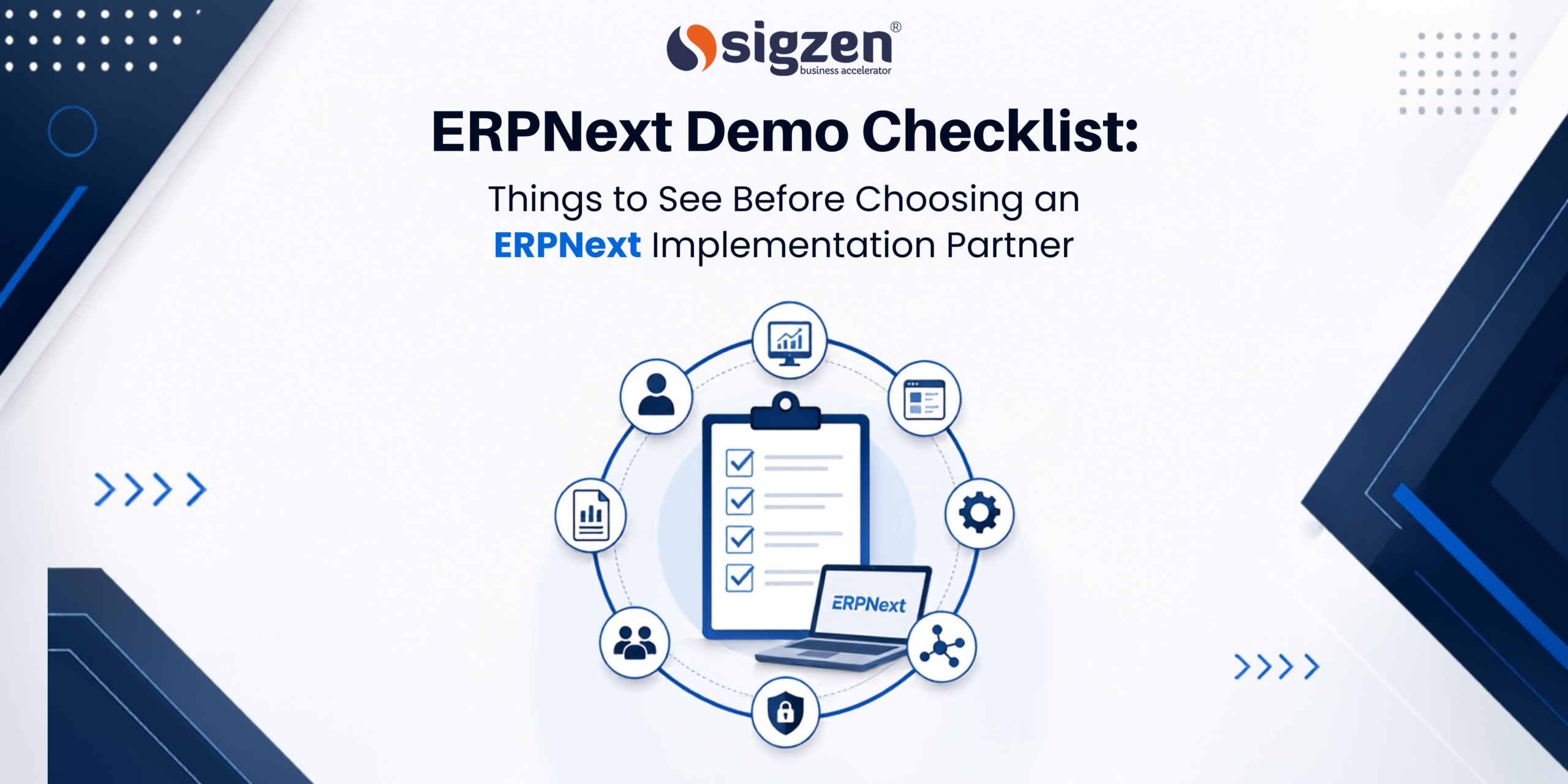
ERPNext Demo Checklist Things to Check Before Choosing an ERPNext
1. Business-Specific Workflows
Every business operates differently, so the demo should reflect how your business actually works. Instead of showing random features, ask the implementation partner to demonstrate your day-to-day processes, whether it’s managing sales orders, planning production, tracking inventory, or handling purchases.
The closer the demo is to your real operations, the easier it will be to understand how ERPNext fits your business.
2. RelevantERPNext Modules
One of the biggest mistakes businesses make is trying to see every ERPNext module in a single demo. While ERPNext offers a wide range of features, not every module will be relevant to your business.
Instead, ask the implementation partner to focus on the modules you’ll actually use in your daily operations.
For example, if you’re a manufacturing company, your demo could cover:
- Manufacturing: Creating a Bill of Materials (BOM), planning production, and generating Work Orders.
- Inventory: Checking raw material availability, managing multiple warehouses, and tracking stock movement.
- Quality: Recording quality inspections before and after production.
- Accounting: Creating invoices, recording payments, and viewing financial reports.
On the other hand, if you’re a trading or distribution business, the demo should focus on a different workflow:
- CRM: Managing customer inquiries and follow-ups.
- Sales: Creating quotations, Sales Orders, and Delivery Notes.
- Purchasing: Raising Purchase Orders and managing suppliers.
- Warehouse: Receiving goods, transferring stock between warehouses, and fulfilling customer orders.
The goal isn’t to see every feature ERPNext offers. It’s to understand how the modules that matter to your business work together to support your daily operations.
3. Real Business Scenarios
A good demo should tell a complete story instead of jumping between different screens. For example, it should show how a customer inquiry becomes a quotation, then a sales order, delivery, invoice, and finally a payment. Seeing complete workflows helps you understand how different departments work together within ERPNext.
4. Reports and Dashboards
Reports and dashboards are where business decisions are made. During the demo, ask to see how ERPNext generates reports using live transaction data instead of pre-built examples. This gives you confidence that the information your team relies on will always be accurate and up to date.
5. Customization and Integrations
Every business has unique requirements, and it’s common to need custom fields, approval of workflows, or integrations with existing applications. The demo should clearly explain what can be configured within ERPNext, what requires customization, and how the system can connect with other software your business already uses.
6. Implementation Approach
A successful ERP project isn’t just about installing software; it’s about having a clear implementation plan. During the demo, the implementation partner should explain what happens after you decide to move forward, so you know what to expect at every stage.
A typical ERPNext implementation includes:
- Requirement Gathering: Understanding your business processes, challenges, and goals.
- System Configuration: Setting up ERPNext based on your workflows and business requirements.
- Data Migration: Importing existing data such as customers, suppliers, products, inventory, and financial records into ERPNext.
- Customization (if needed): Adding custom fields, workflows, reports, or features to meet your specific business needs.
- User Training: Training your team so they can confidently use ERPNext in their daily work.
- Testing (UAT): Testing the system with real business scenarios to ensure everything works as expected before go-live.
- Go-Live & Support: Launching the system and providing ongoing support to resolve issues and help your team adapt.
A partner who clearly explains this journey is more likely to deliver a smooth implementation than one who only focuses on software features during the demo.
7. Training, Support, and Scalability
Your relationship with the implementation partner doesn’t end after go-live. Ask how they provide user training, ongoing support, system updates, and future enhancements. It’s also worth understanding how ERPNext can grow with your business as you add more users, locations, or business processes over time.
8. Industry Knowledge
An implementation partner with experience in your industry can make a significant difference. They’ll already understand common challenges, compliance requirements, and operational workflows, making it easier to recommend the right ERPNext setup. During the demo, look for examples that relate to businesses similar to yours rather than generic demonstrations.
Common Red Flags During an ERPNext Demo
A good ERPNext demo should leave you with clarity and confidence. If it doesn’t, here are a few warning signs to watch for:
- Generic Demo: The demo isn’t tailored to your business, industry, or specific requirements.
- Feature-Only Presentation: The focus is on showing modules rather than explaining how ERPNext solves your business challenges.
- No Implementation Discussion: There is little or no information about implementation, data migration, training, or post-go-live support.
- Unrealistic Promises: Timelines, customization, or expected outcomes sound too good to be true without proper explanation.
- Unclear Answers: Questions about the project, support, or future scalability are answered vaguely or avoided altogether.
If you notice one or more of these red flags, take a step back and ask for more clarity before making your decision. Choosing the right implementation partner is just as important as choosing the right ERP solution.
How We Customize the ERPNext Demo for Your Business
Every business has its own processes, challenges, and goals. That’s why we don’t believe in giving the same ERPNext demo to everyone.
Before scheduling the demo, we take time to understand your business—what industry you’re in, how your current processes work, the challenges you’re facing, and what you expect from an ERP system. This helps us make the session more relevant and valuable for your team.
Based on your requirements, we tailor the demo to focus on the areas that matter most.
For example:
- Manufacturing businesses: We demonstrate production planning, Bills of Materials (BOM), Work Orders, inventory management, quality checks, and production reports.
- Trading and distribution companies: We focus on purchasing, sales, warehouse operations, stock movement, and order fulfillment.
- Service-based businesses: We showcase CRM, project management, timesheets, billing, and customer support workflows.
During the demo, we also discuss your existing business processes and explain how they can be managed in ERPNext. If your business has unique requirements, we’ll talk about possible customizations, integrations, and best practices based on our implementation experience.
Our goal is to make the demo practical, interactive, and relevant to your business. By the end of the session, you should have a clear understanding of how ERPNext can support your daily operations and what the implementation journey would look like for your organization.
Ready to Explore ERPNext for Your Business?
If you’re evaluating ERPNext, a personalized demo can help answer questions that a brochure, video, or feature list simply can’t.
It’s an opportunity to see how your day-to-day processes, whether it’s sales, inventory, purchasing, manufacturing, or accounting can be managed within ERPNext. You can also discuss your current challenges, understand the implementation approach, and clarify any questions around customization, integrations, or support.
A typical demo with our team includes:
- A discussion to understand your business and requirements.
- A walkthrough of the ERPNext modules relevant to your operations.
- Live examples based on your business processes.
- An open Q&A session to address your questions.
Whether you’re exploring ERPNext for the first time or comparing different implementation partners, the goal is simple: to help you understand if ERPNext is the right fit for your business.
Ready to take the next step? Book a personalized ERPNext demo and see how the system can support your business processes before making your decision.
Frequently Asked Questions
What should I look for in an ERPNext demo before making a decision?
Before making a decision, check whether the demo is tailored to your business processes rather than being a generic product presentation. It should cover the ERPNext modules relevant to your business, demonstrate complete workflows, explain the implementation approach, discuss customization options, and clearly outline post-go-live support.
How do I evaluate an ERPNext implementation partner during a demo?
An ERPNext demo is one of the best opportunities to evaluate an implementation partner. Look at how well they understand your business, whether they ask questions about your processes, explain their implementation methodology, answer technical queries clearly, and demonstrate real business scenarios instead of only showing software features.
What questions should I ask during an ERPNext demo?
Some important questions include:
- How will ERPNext support my business processes?
- Which modules are most relevant to my business?
- What customization, if any, will be required?
- How long will the implementation take?
- What training and post-go-live support do you provide?
- Can ERPNext integrate with our existing software?
These questions will help you evaluate both ERPNext and the implementation partner.
How long should an ERPNext demo take?
Most ERPNext demos take 60 to 90 minutes, depending on the size and complexity of your business. A personalized demo may take longer because it focuses on your workflows, business challenges, and specific requirements instead of giving a general product overview.
Should an ERPNext demo be customized for my business?
Yes. A personalized ERPNext demo provides much more value than a generic presentation. The implementation partner should tailor the demo around your industry, business processes, and operational challenges so you can see how ERPNext would work in your day-to-day operations.
Can I request a demo for only specific ERPNext modules?
Absolutely. If you’re only interested in areas such as Manufacturing, Inventory, CRM, Accounting, HR, or Projects, you can ask the implementation partner to focus on those modules. A targeted demo helps you understand the features that matter most to your business instead of spending time on modules you may never use.